GOW

GOW

sexta-feira, 17 de junho de 2022

Seether - Fine Again

 It seems like every day's the same

And I'm left to discover on my own

It seems like everything is gray

And there's no color to behold

They say it's over and I'm fine again, yeah

Try to stay sober feels like I'm dying here


And I am aware now of how

Everything's gonna be fine one day

Too late, I'm in hell I am prepared now,

Seems everyone's gonna be fine

One day too late, just as well


I feel the dream in me expire

And there's no one left to blame it on

I hear you label me a liar

'Cause I can't seem to get this through

You say it's over, I can sigh again, yeah

Why try to stay sober when I'm dying here


And I am aware now of how

Everything's gonna be fine one day

Too late, I'm in hell I am prepared now,

Seems everyone's gonna be fine

One day too late, just as well


And I'm not scared now.

I must assure you,

You're never gonna get away

And I'm not scared now

And I'm not scared now. No...


I am aware now of how

Everything's gonna be fine one day

Too late, I'm in hell I am prepared now,

Seems everyone's gonna be fine

One day too late, just as well


I am prepared now,

Seems everyone's gonna be fine

for me, for me, for myself (3x)


I am prepared now, for myself

I am prepared now,

And I am fine again.


Ricky and Morty - Season 2 Ep 3 Ending


domingo, 12 de junho de 2022

The Sisters of Mercy - Gimme shelter

Oh, see the storm is threatening
My very life today
If I don't get some shelter
Yeah, I'm gonna fade away
War, children
It?s just a kiss away
War, children
It?s just a kiss away
It?s just a kiss away, yeah
Oh, see the fire is sweeping me
Down through the streets today
Burning like a bright red carpet
Another fool who lost the way
Rape, murder
It?s just a kiss away
Rape, murder
It?s just a kiss away
It?s just a kiss away, yeah
Oh, see the storm is threatening
My very life today
We're getting, we're getting shelter
Yeah, I'm gonna fade away
Love, sisters
It?s just a shot away
Love, sisters
It?s just a shot away
Shot away
Shot away
War, children
It?s just a kiss away
War, children
It?s just a kiss away
Kiss away
Kiss away
Rape, murder
It?s just a kiss away
Rape, murder
It?s just a kiss away
Kiss away
Kiss away
Love, sisters
It?s just a shot away
Love, sisters
It?s just a shot away
Shot away
Shot away
War, children
It?s just a kiss away
War, children
It?s just a kiss away
Kiss away
Kiss away
Rape, murder
It?s just a kiss away
Rape, murder
It?s just a kiss away
Kiss away
Kiss away
Love, sisters
It?s just a shot away
Love, sisters
It?s just a shot away
Shot away
Shot away
War, children
It?s just a kiss away
War, children
It?s just a kiss away
Kiss away
Kiss away
Rape, murder
It?s just a kiss away
Rape, murder
It?s just a kiss away
Kiss away
Kiss away
Love, sisters
It?s just a shot away
Love, sisters
It?s just a shot away
Shot away
Shot away
War, children
It?s just a kiss away
Kiss away
Kiss away


Como instalar o Postman no Ubuntu e em qualquer Distro Linux

 Atualmente uma das ferramentas mais populares usadas no desenvolvimento de API. Postman é um aplicativo de ambiente de desenvolvimento de API completo para simplificar cada etapa da construção de uma API e otimizar a colaboração. Assim, você pode criar APIs melhores e mais rápidas.

Instalação em qualquer Distro Linux


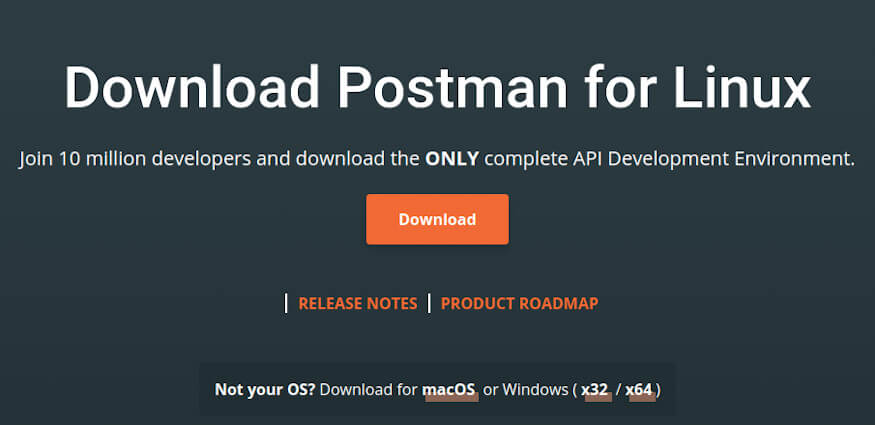
Postman Download

  • Depois de baixar Postman em seu sistema, execute os seguintes comandos para instalar o Postman em seu sistema.

    Certifique-se que está no diretório onde você fez o download do Postman

tar zxvf Postman-linux-x64-*.tar.gz
  • Mova o Postman para o diretório opt
sudo mv Postman /opt
  • Crie um link simbóolico
sudo ln -s /opt/Postman/Postman /usr/local/bin/postman
  • Agora teste rodando o postman pelo terminal:
postman

  • Crie um ícone do Postman para aparecer no seu Dashboard e não precisar ficar abrindo-o via comando no terminal:
sudo cat <<EOF > /usr/share/applications/postman.desktop

E cole isso dentro:

[Desktop Entry]
Type=Application
Name=Postman
Icon=/opt/Postman/app/resources/app/assets/icon.png
Exec="/opt/Postman/Postman"
Comment=Postman GUI
Categories=Development;Code;

Lembre-se de pressionar mais um ENTER para pular uma linha e digite EOF para terminar a inserção, ou utilize um editor de texto, mas precisa ser com sudo.

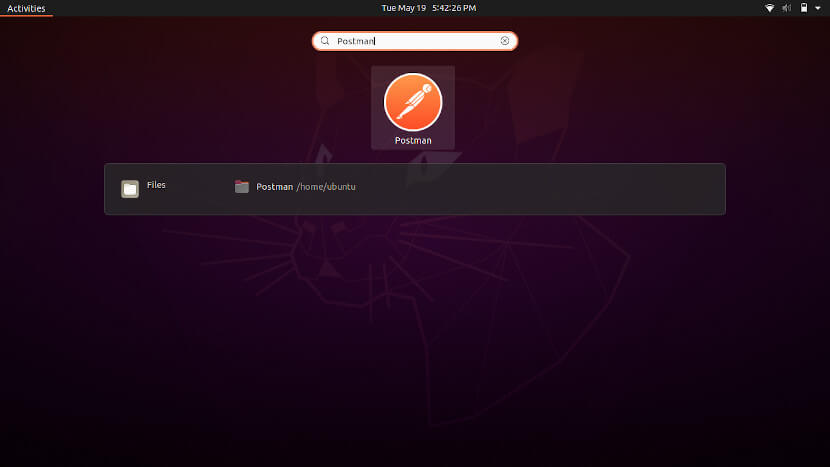
  • Agora digite “postman” no campo de pesquisa no Dashboard e abra-o, exemplo: Postman Dashboard

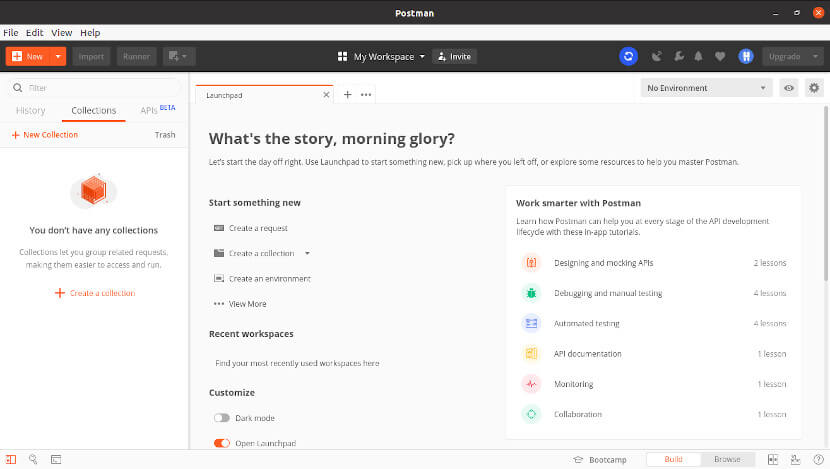
Se você ainda não tiver uma conta, você precisará registrar assim que abri-lo e seguir os passos do registro! Postman Opened

Instalação no Ubuntu 20.04 LTS

Se você estiver no Ubuntu e quiser poupar tempo, basta usar o snap

sudo snap install postman

quinta-feira, 9 de junho de 2022